
I would avoid building a PC right now, but if you can’t, here’s our best advice.
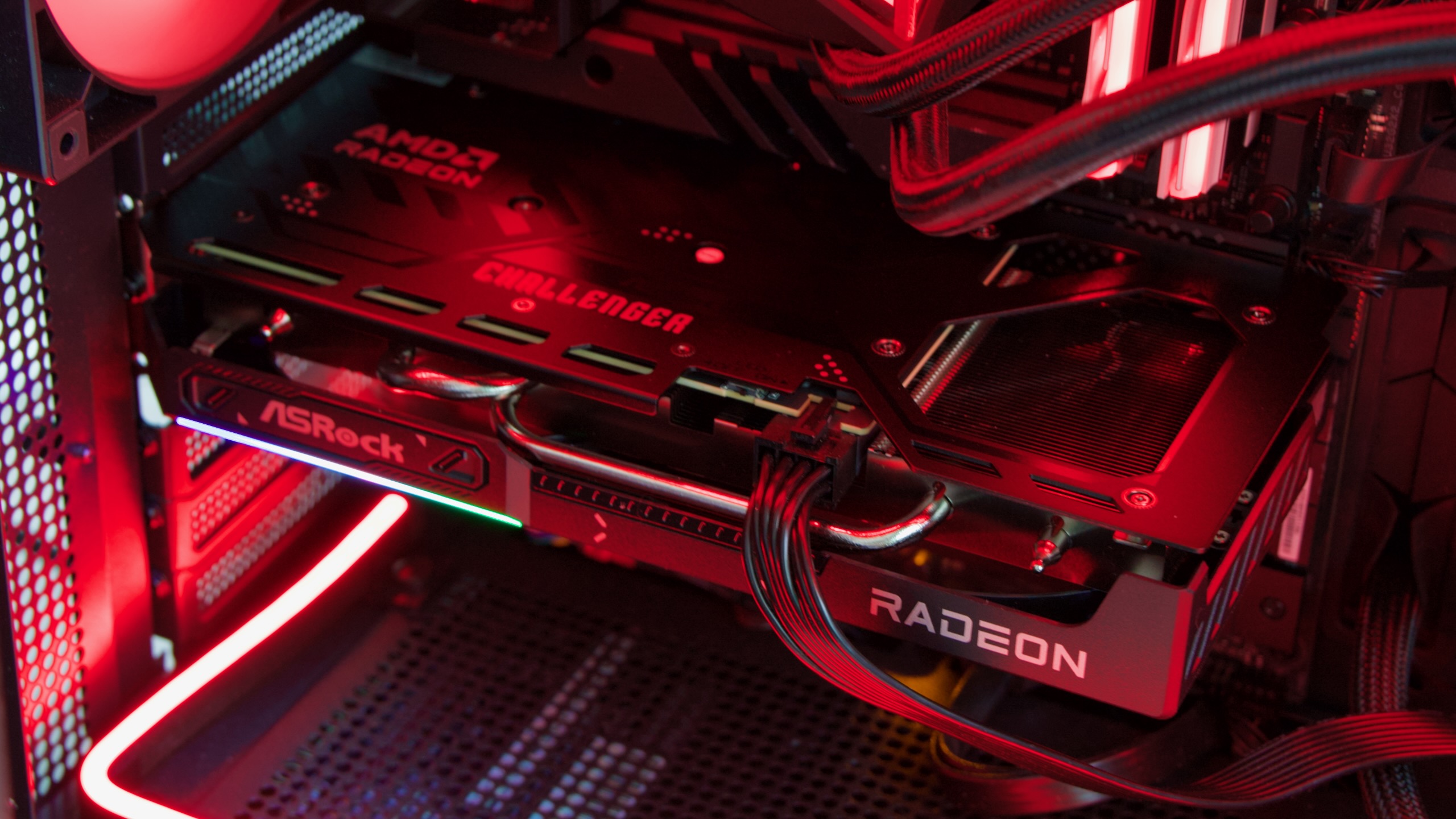
The 16GB version of AMD’s Radeon RX 9060 XT. It’s one of the products to come out of a bad year for PC building. Credit: Andrew Cunningham
The 16GB version of AMD’s Radeon RX 9060 XT. It’s one of the products to come out of a bad year for PC building. Credit: Andrew Cunningham
The first few months of 2025 were full of graphics card reviews where we generally came away impressed with performance and completely at a loss on availability and pricing. The testing in these reviews is useful regardless, but when it came to extra buying advice, the best we could do was to compare Nvidia’s imaginary pricing to AMD’s imaginary pricing and wait for availability to improve.
Now, as the year winds down, we’re facing price spikes for memory and storage that are unlike anything I’ve seen in two decades of pricing out PC parts. Pricing for most RAM kits has increased dramatically since this summer, driven by overwhelming demand for these parts in AI data centers. Depending on what you’re building, it’s now very possible that the memory could be the single most expensive component you buy; things are even worse now than they were the last time we compared prices a few weeks ago.
| Component | Aug. 2025 price | Nov. 2025 price | Dec. 2025 price |
|---|---|---|---|
| Patriot Viper Venom 16GB (2 x 8GB) DDR-6000 | $49 | $110 | $189 |
| Western Digital WD Blue SN5000 500GB | $45 | $69 | $102* |
| Silicon Power 16GB (2 x 8GB) DDR4-3200 | $34 | $89 | $104 |
| Western Digital WD Blue SN5000 1TB | $64 | $111 | $135* |
| Team T-Force Vulcan 32GB DDR5-6000 | $82 | $310 | $341 |
| Western Digital WD Blue SN5000 2TB | $115 | $154 | $190* |
| Western Digital WD Black SN7100 2TB | $130 | $175 | $210 |
| Team Delta RGB 64GB (2 x 32GB) DDR5-6400 | $190 | $700 | $800 |
Some SSDs are getting to the point where they’re twice as expensive as they were this summer (for this comparison, I’ve swapped the newer WD Blue SN5100 pricing in for the SN5000, since the drive is both newer and slightly cheaper as of this writing). Some RAM kits, meanwhile, are around four times as expensive as they were in August. Yeesh.
And as bad as things are, the outlook for the immediate future isn’t great. Memory manufacturer Micron—which is pulling its Crucial-branded RAM and storage products from the market entirely in part because of these shortages—predicted in a recent earnings call that supply constraints would “persist beyond calendar 2026.” Kingston executives believe prices will continue to rise through next year. PR representatives at GPU manufacturer Sapphire believe prices will “stabilize,” albeit at a higher level than people might like.
I didn’t know it when I was writing the last update to our system guide in mid-August, but it turns out that I was writing it during 2025’s PC Building Equinox, the all-too-narrow stretch of time where 1080p and 1440p GPUs had fallen to more-or-less MSRP but RAM and storage prices hadn’t yet spiked.
All in all, it has been yet another annus horribilis for gaming-PC builders, and at this point it seems like the 2020s will just end up being a bad decade for PC building. Not only have we had to deal with everything from pandemic-fueled shortages to tariffs to the current AI-related crunch, but we’ve also been given pretty underwhelming upgrades for both GPUs and CPUs.
It should be a golden age for the gaming PC
It’s really too bad that building or buying a gaming PC is such an annoying and expensive proposition, because in a lot of ways there has never been a better time to be a PC gamer.
It used to be that PC ports of popular console games would come years later or never at all, but these days PC players get games at around the same time as console players, too. Sony, of all companies, has become much better about releasing its games to PC players. And Microsoft seems to be signaling more and more convergence between the Xbox and the PC, to the extent that it is communicating any kind of coherent Xbox strategy at all. The console wars are cooling down, and the PC has been one of the main beneficiaries.
That wider game availability is also coming at a time when PC software is getting more flexible and interesting. Traditional Windows-based gaming builds still dominate, of course, and Windows remains the path of least resistance for PC buyers and builders. But Valve’s work on SteamOS and the Proton compatibility software has brought a wide swath of PC games to Linux, and SteamOS itself is enabling a simpler and more console-like PC gaming experience for handheld PCs as well as TV-connected desktop computers. And that work is now boomeranging back around to Windows, which is gradually rolling out its own pared-down gamepad-centric frontend.
If you’ve already got a decent gaming PC, you’re feeling pretty good about all of this—as long as the games you want to play don’t have Mario or Pikachu in them, your PC is all you really need. It’s also not a completely awful time to be upgrading a build you already have, as long as you already have at least 16GB of RAM—if you’re thinking about a GPU upgrade, doing it now before the RAM price spikes can start impacting graphics card pricing is probably a smart move.
If you don’t already have a decent gaming PC and you can buy a whole PlayStation 5 for the cost of some 32GB DDR5 RAM kits, well, it’s hard to look past the downsides no matter how good the upsides are. But it doesn’t mean we can’t try.
What if you want to buy something anyway?
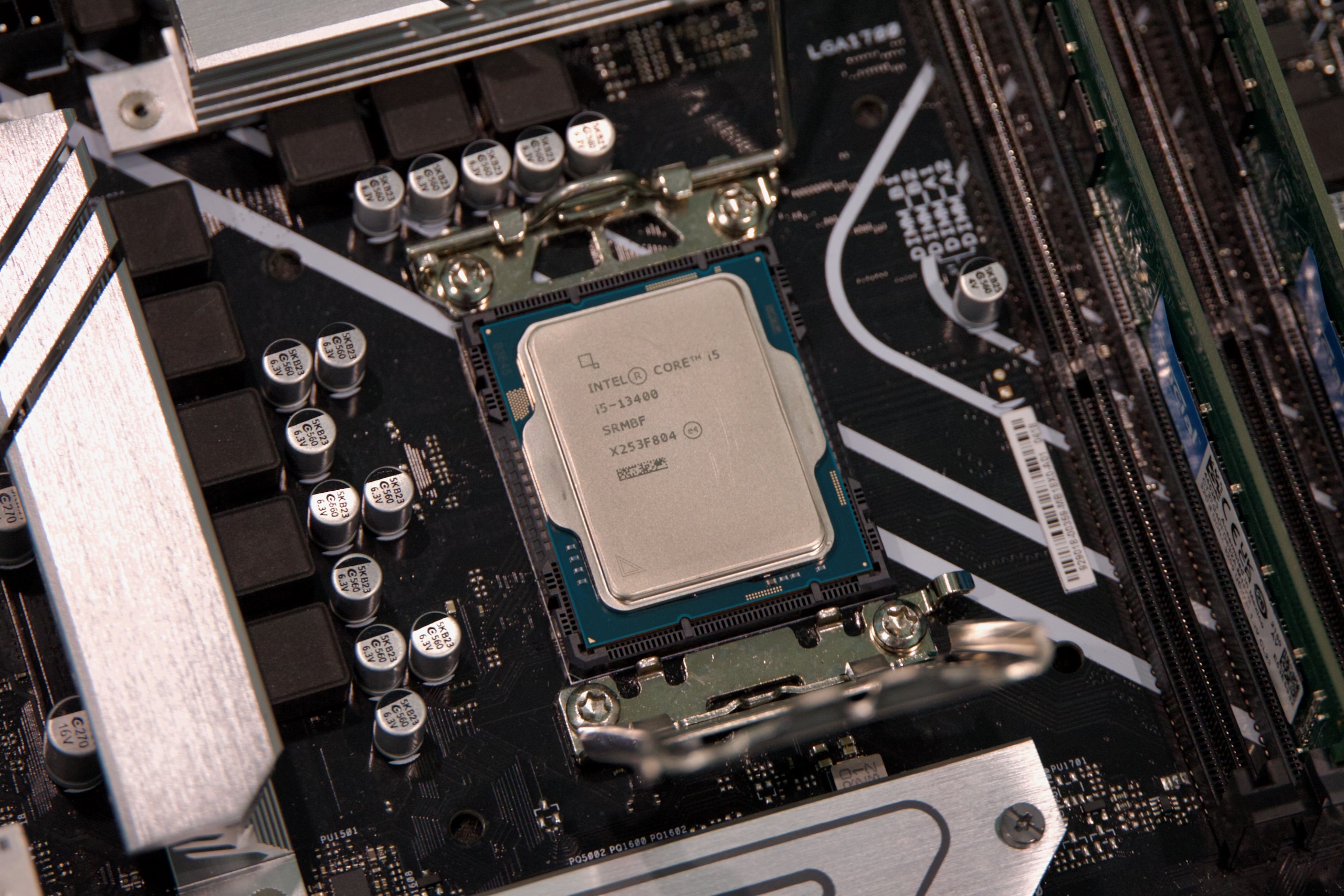
As (relatively) old as they are, midrange Core i5 chips from Intel’s 12th-, 13th-, and 14th-generation Core CPU lineups are still solid choices for budget-to-midrange PC builds. And they work with DDR4, which isn’t quite as pricey as DDR5 right now. Credit: Andrew Cunningham
Say those upsides are still appealing to you, and you want to build something today. How should you approach this terrible, volatile RAM market?
I won’t do a full update to August’s system guide right now, both because it feels futile to try and recommend individual RAM kits or SSD with prices and stock levels being as volatile as they are, and because aside from RAM and storage I actually wouldn’t change any of these recommendations all that much (with the caveat that Intel’s Core i5-13400F seems to be getting harder to find; consider an i5-12400F or i5-12600KF instead). So, starting from those builds, here’s the advice I would try to give to PC-curious friends:
DDR4 is faring better than DDR5. Prices for all kinds of RAM have gone up recently, but DDR4 pricing hasn’t gotten quite as bad as DDR5 pricing. That’s of no help to you if you’re trying to build something around a newer Ryzen chip and a socket AM5 motherboard, since those parts require DDR5. But if you’re trying to build a more budget-focused system around one of Intel’s 12th-, 13th-, or 14th-generation CPUs, a decent name brand 32GB DDR4-3200 kit comes in around half the price of a similar 32GB DDR5-6000 kit. Pricing isn’t great, but it’s still possible to build something respectable for under $1,000.
Newegg bundles might help. I’m normally not wild about these kinds of component bundles; even if they appear to be a good deal, they’re often a way for Newegg or other retailers to get rid of things they don’t want by pairing them with things people do want. You also have to deal with less flexibility—you can’t always pick exactly the parts you’d want under ideal circumstances. But if you’re already buying a CPU and a motherboard, it might be worth digging through the available deals just to see if you can get a good price on something workable.
Don’t overbuy (or consider under-buying). Under normal circumstances, anyone advising you on a PC build should be recommending matched pairs of RAM sticks with reasonable speeds and ample capacities (DDR4-3200 remains a good sweet spot, as does DDR5-6000 or DDR5-6400). Matched sticks are capable of dual-channel operation, boosting memory bandwidth and squeezing a bit more performance out of your system. And getting 32GB of RAM means comfortably running any game currently in existence, with a good amount of room to grow.
But desperate times call for desperate measures. Slower DDR5 speeds like DDR5-5200 can come in a fair bit cheaper than DDR5-6000 or DDR5-6400, in exchange for a tiny speed hit that’s going to be hard to notice outside of benchmarks. You might even consider buying a single 16GB stick of DDR5, and buying it a partner at some point later when prices have calmed down a bit. You’ll leave a tiny bit of performance on the table, and a small handful of games want more than 16GB of system RAM. But you’ll have something that boots, and the GPU is still going to determine how well most games run.
Don’t forget that non-binary DDR5 exists. DDR5 sticks come in some in-betweener capacities that weren’t possible with DDR4, which means that companies sell it in 24GB and 48GB sticks, not just 16/32/64. And these kits can be a very slightly better deal than the binary memory kits right now; this 48GB Crucial DDR5-6000 kit is going for $470 right now, or $9.79 per gigabyte, compared to about $340 for a similar 32GB kit ($10.63 per GB) or $640 for a 64GB kit ($10 per GB). It’s not much, but if you truly do need a lot of RAM, it’s worth looking into.
Consider pre-built systems. A quick glance at Dell’s Alienware lineup and Lenovo’s Legion lineup makes it clear that these towers still aren’t particularly price-competitive with similarly specced self-built PCs. This was true before there was a RAM shortage, and it’s true now. But for certain kinds of PCs, particularly budget PCs, it can still make more sense to buy than to build.
For example, when I wrote about the self-built “Steam Machine” I’ve been using for a few months now, I mentioned some Ryzen-based mini desktops on Amazon. I later tested this one from Aoostar as part of a wider-ranging SteamOS-vs-Windows performance comparison. Whether you’re comfortable with these no-name mini PCs is something you’ll have to decide for yourself, but that’s a fully functional PC with 32GB of DDR5, a 1TB SSD, a workable integrated GPU, and a Windows license for $500. You’d spend nearly $500 just to buy the RAM kit and the SSD with today’s component prices; for basic 1080p gaming you could do a lot worse.

Andrew is a Senior Technology Reporter at Ars Technica, with a focus on consumer tech including computer hardware and in-depth reviews of operating systems like Windows and macOS. Andrew lives in Philadelphia and co-hosts a weekly book podcast called Overdue.